
Appearance
Format in Editor
Manually format the current selection or the entire script directly in the SSMS editor.
How to format
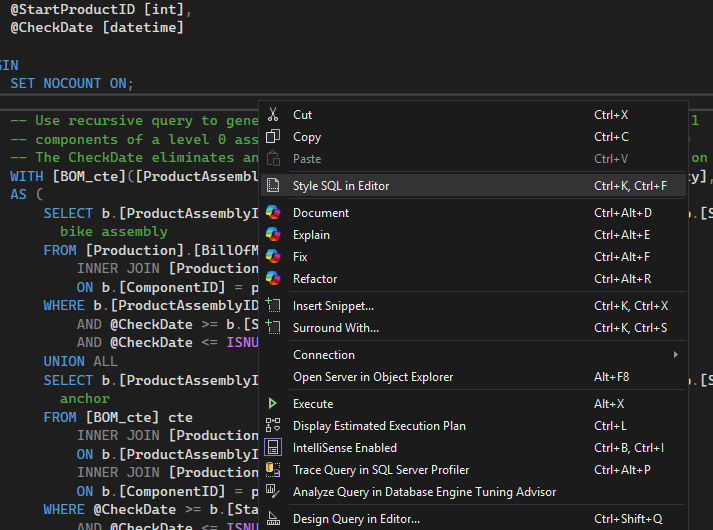
- Right-click in the editor and choose "Style SQL in Editor".
- Or click the StyleSQL toolbar button for one‑click formatting.
- If you have a selection, only the selection is formatted. If not, the entire document is formatted.
Choosing your formatter
Pick the formatter engine and options that match your taste in Global Settings.
Tips
- Start with manual formatting to validate your preferred style.
- Use editor Undo (Ctrl+Z) if you want to revert a change.
- When you’re comfortable, consider enabling Auto‑format on Paste or Auto‑format on Execute.
Keyboard shortcut
- Format in Editor: Ctrl+K, Ctrl+F